 Shotmark
Mark up screenshots.
Hide what's private.
Never upload a thing.
Capture any tab — visible area or a full scrolling page — then blur or pixelate sensitive info, add arrows, boxes and text, frame it beautifully, even pull the text out. All in your browser; your image never leaves your device.
No sign-up · No subscription · No upload
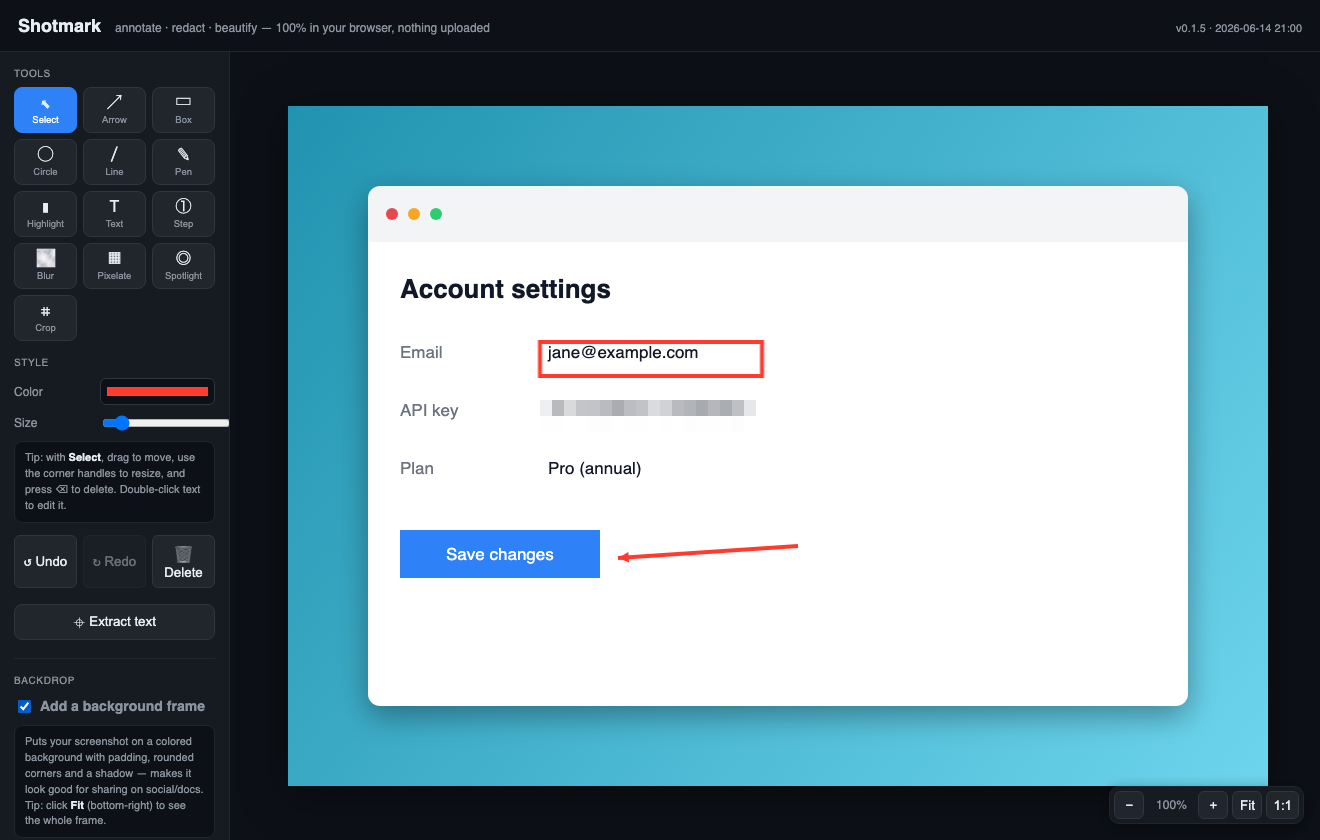
Everything you need to explain — or hide — a screenshot
🌫 Redact
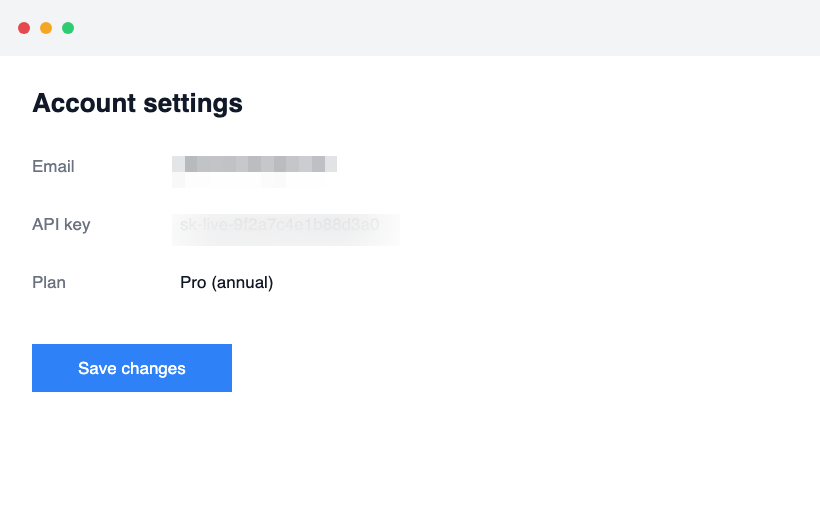
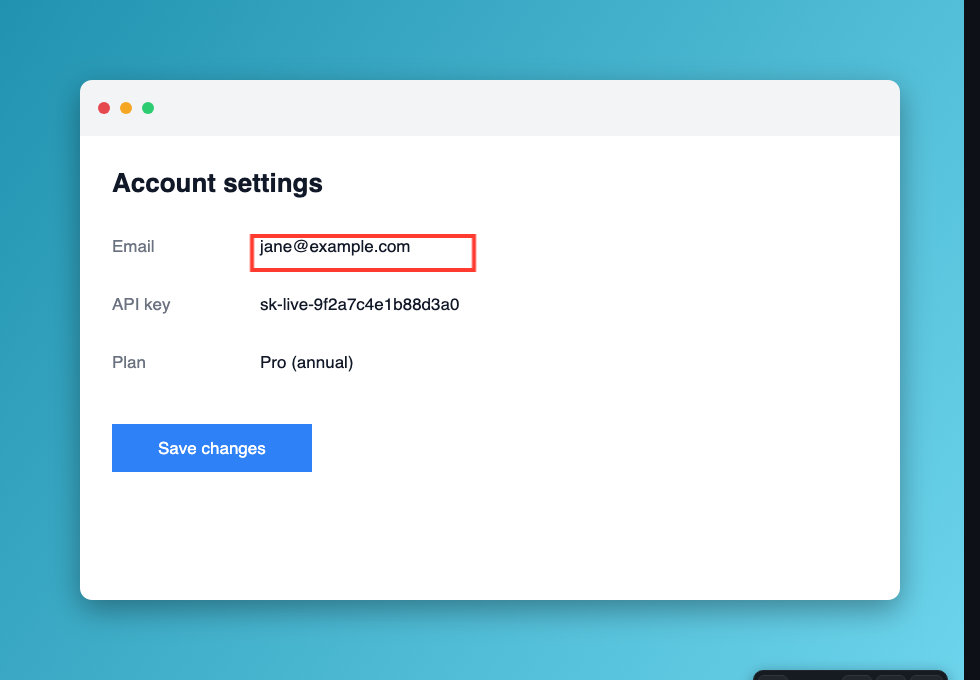
Blur or pixelate API keys, emails and faces before you share. The original never leaves your machine.
↗ Annotate
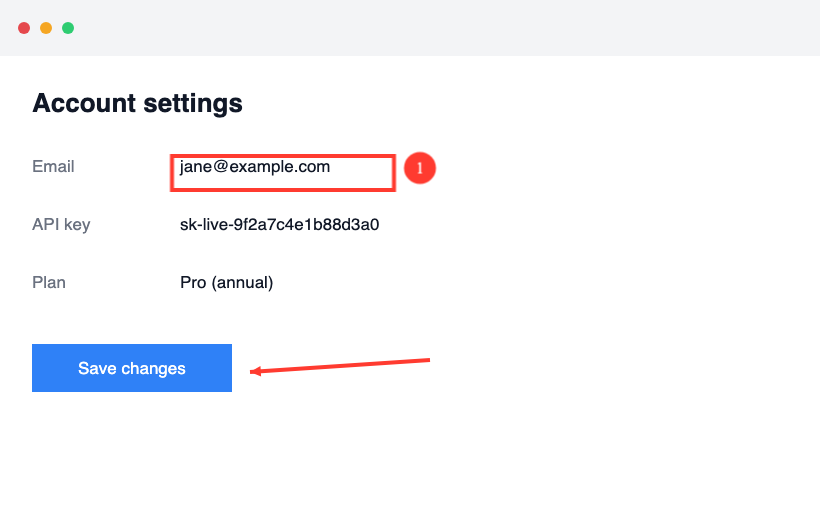
Arrows, boxes, circles, lines, freehand pen, highlighter, text and numbered steps.
◎ Spotlight
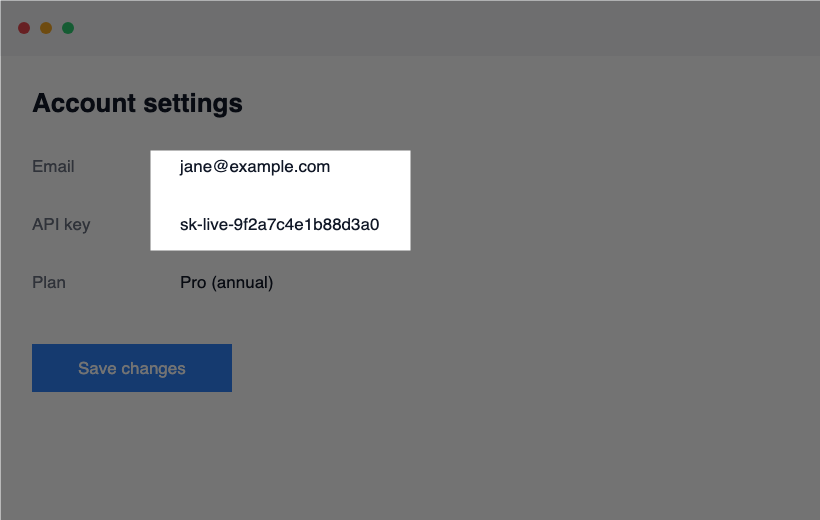
Dim everything except the part that matters, to draw the eye instantly.
✨ Beautify
Drop your shot on a gradient backdrop with padding, rounded corners and a shadow — ready for docs and socials.
⌖ Extract text
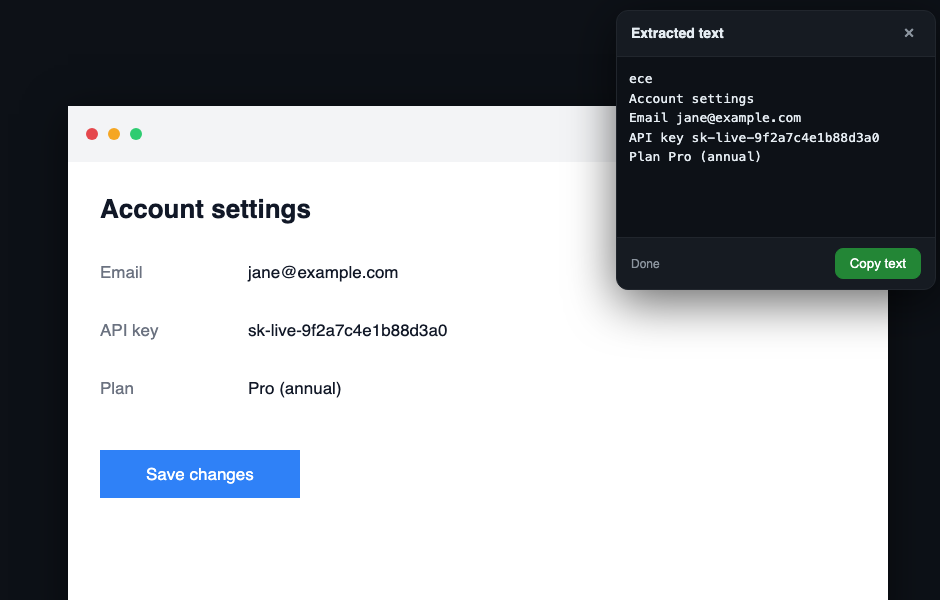
Built-in OCR pulls the text straight out of any screenshot, in one click.
⭳ Export anywhere
Copy to clipboard, or download as PNG, JPG or PDF at up to 3× resolution.
See it in action
Private by design
Most online screenshot tools upload your image to their servers to process it. Shotmark doesn't — every pixel is handled locally in your browser, so a screenshot of your dashboard, your inbox or your bank stays yours. There's no account, no tracking of your images, and nothing to leak.
Capture without leaving the page
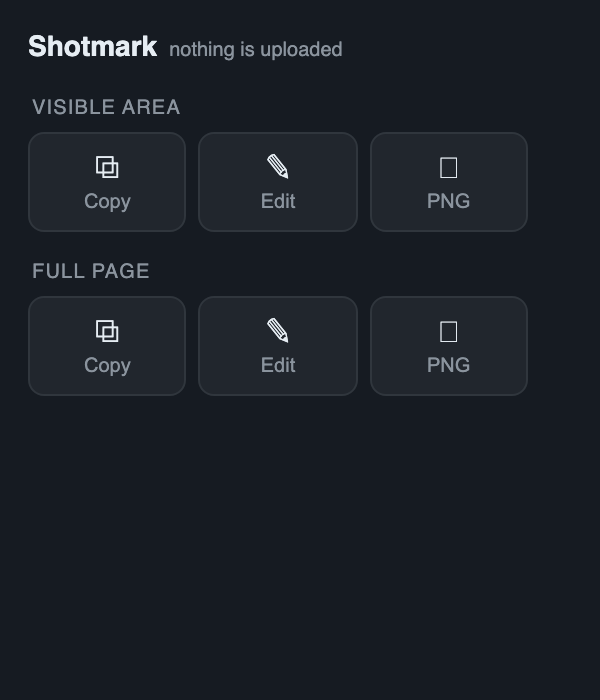
The Chrome & Edge extension grabs the visible area or a full, scrolling page — then lets you copy it, edit it, or save a PNG in one click. Annotation, redaction and OCR all run right inside it, still 100% on your device.
Now live on the Chrome Web Store. Edge Add-ons is next; or use the web app — no install needed.
Add to Chrome Open the web app